


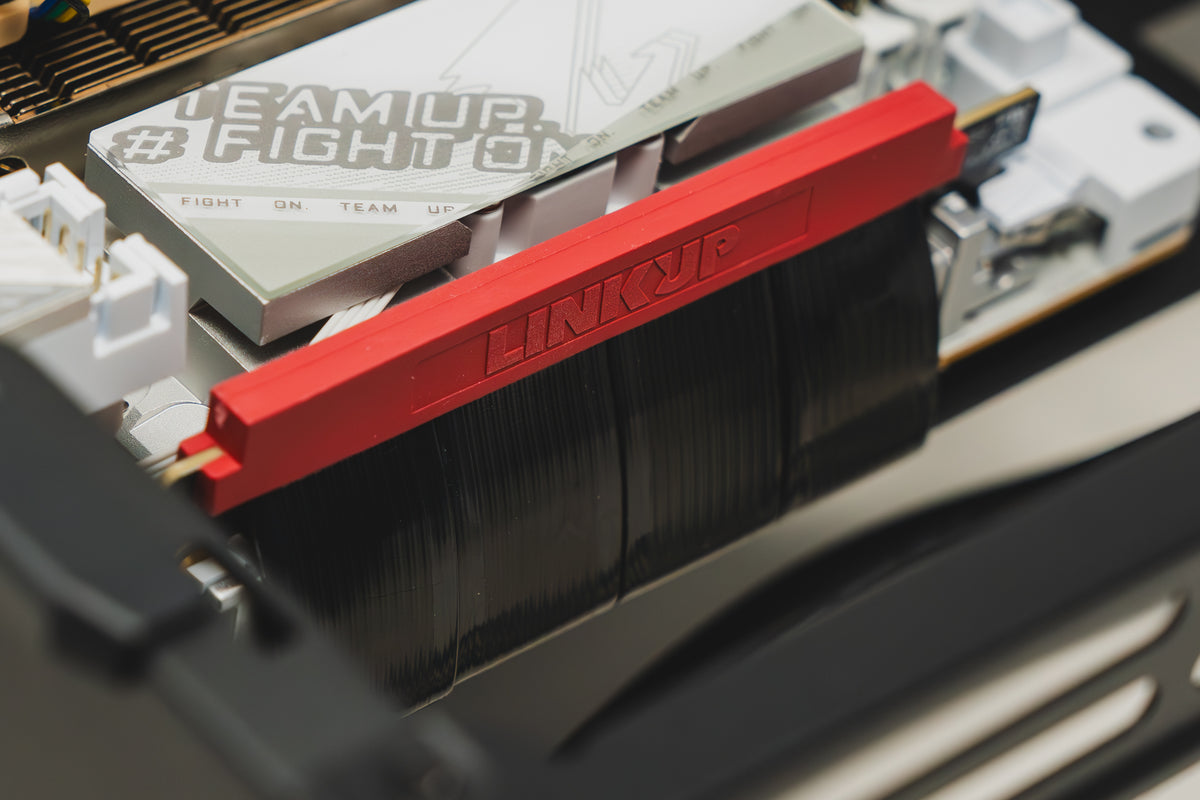
Discover your set up's potential.


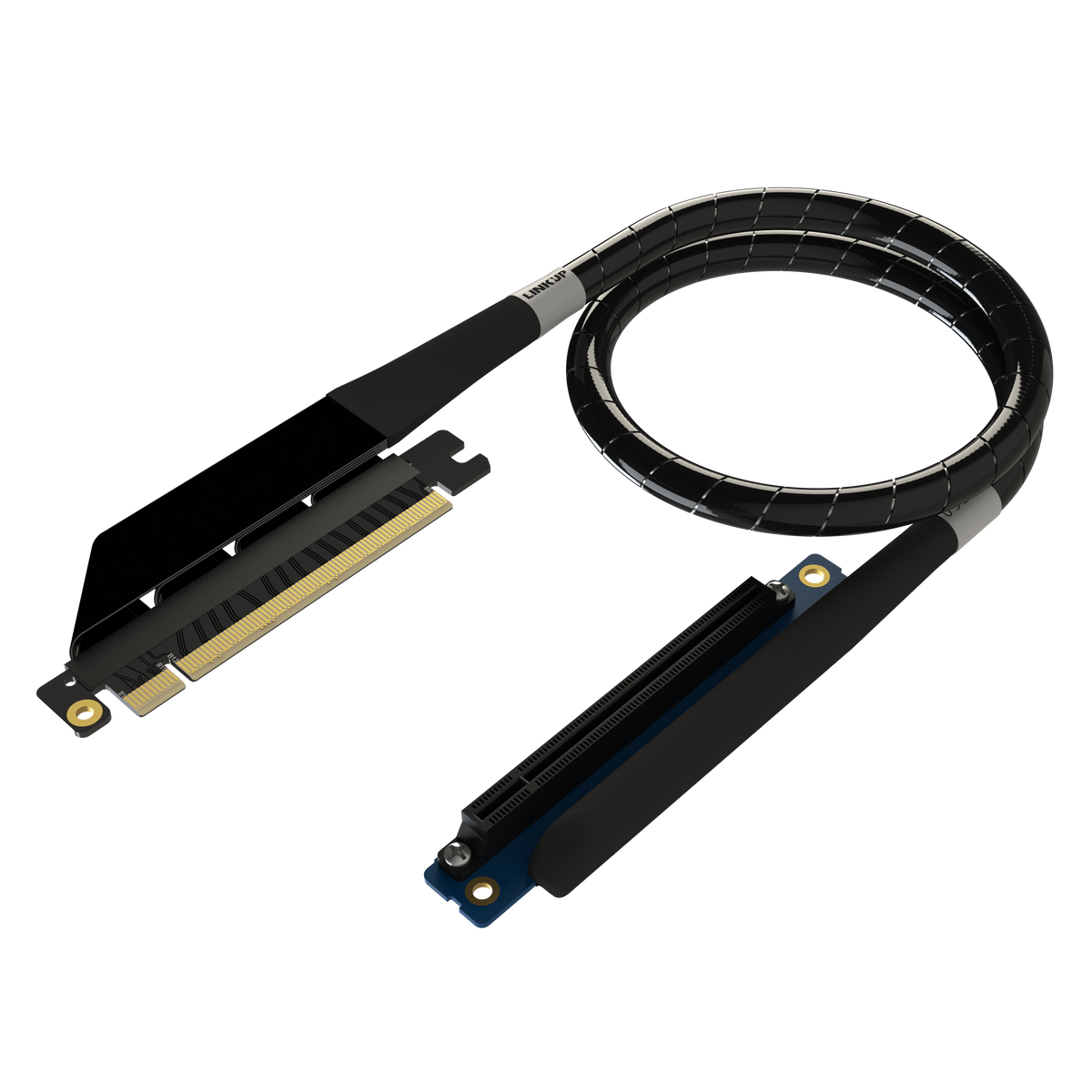
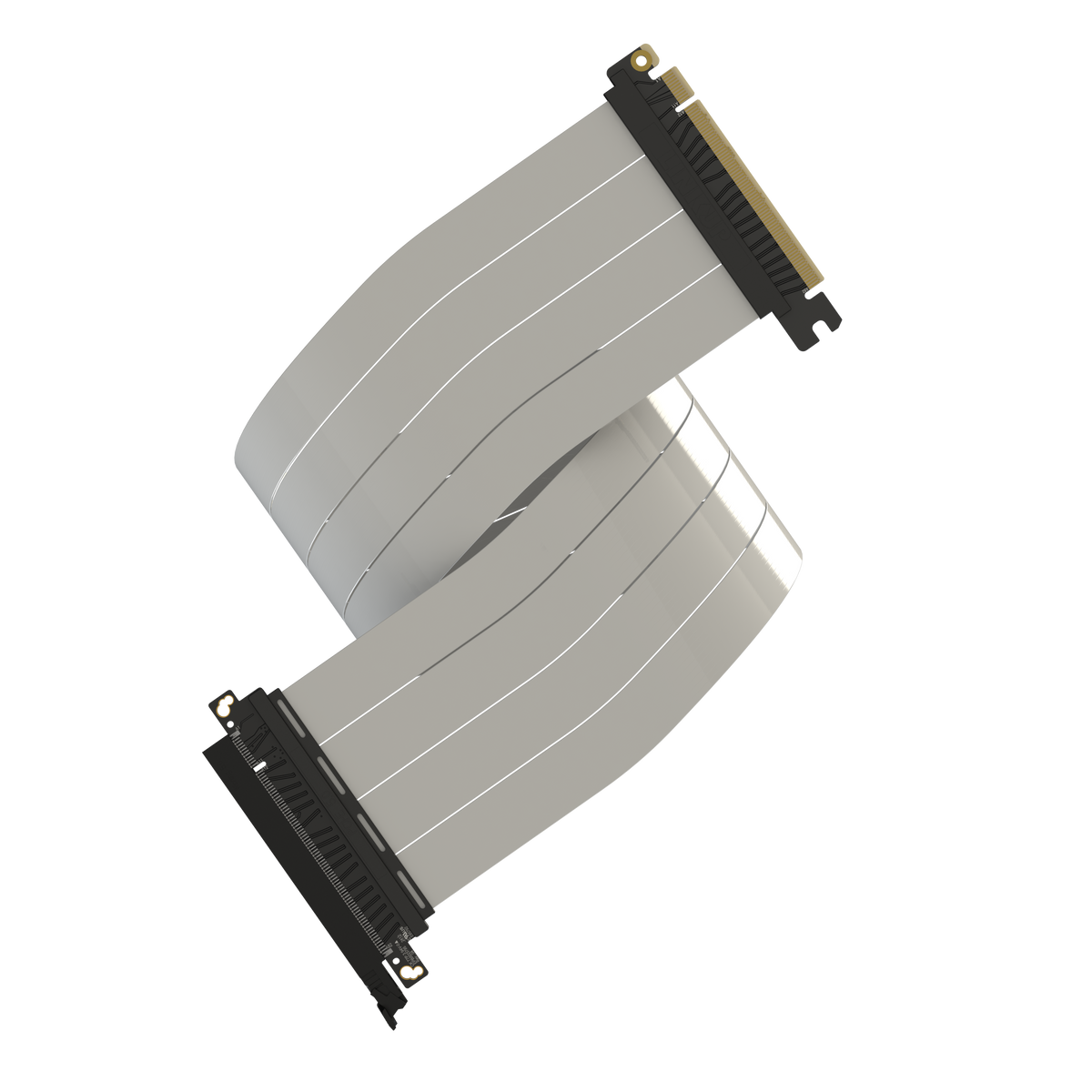
LINKUP PCIe 5.0 Compatibility Guide
Find the right PCIe 5.0 riser cable for your PC build. Explore our compatibility chart to check supported GPUs, motherboards, and LINKUP products for a seamless upgrade.
LINKUP PCIe 5.0 Riser Cable Troubleshooting
Having trouble with your LINKUP PCIe 5.0 riser cable? Use this guide to resolve common issues, including no display, system instability, PCIe detection errors, and compatibility concerns. Follow the recommended setup steps, BIOS settings, and testing procedures to get your system running properly.

REVIEWS FROM OUR COMMUNITY


Nick L.I paired this with a vertical GPU mount in a Corsair 5000D Airflow. The cable feels noticeably more solid than cheaper riser cables I have tried. It was flexible enough to route behind the bracket while still holding its shape. My graphics card has been running at full speed without any random disconnects.
Sara B.Used this as an upgrade for my HYTE Y60 build. The cable is thicker than the original, but it also feels much more durable. It took a little extra effort to organize the cable behind the GPU, but the connection has been stable and performance is excellent.
Paige A.I used this cable in my Fractal Terra build with an RTX 4080 Super. The cable bends naturally behind the GPU without putting too much pressure on the connector. Installation was straightforward, and the system detected the card at PCIe 5.0 settings immediately. The black finish also blends in nicely with the interior.
Bruce K.Upgraded my system from a PCIe 4.0 riser while keeping the same compact case layout. The double-reverse connector arrangement prevented unnecessary cable twisting and made the installation much easier. My GPU now runs at the motherboard’s automatic PCIe setting with complete stability.
Dave T.The cable itself works perfectly in my Corsair 4000D, but I initially ordered a length that was too short for my vertical bracket. After exchanging it for the 20 cm version, the fit was much better. Definitely measure the routing path inside your case before choosing a length.